


公司新闻
撒布车控制页面的调试
Debugging of the control page for the spreading vehicle
独立控制系统
Independent control system
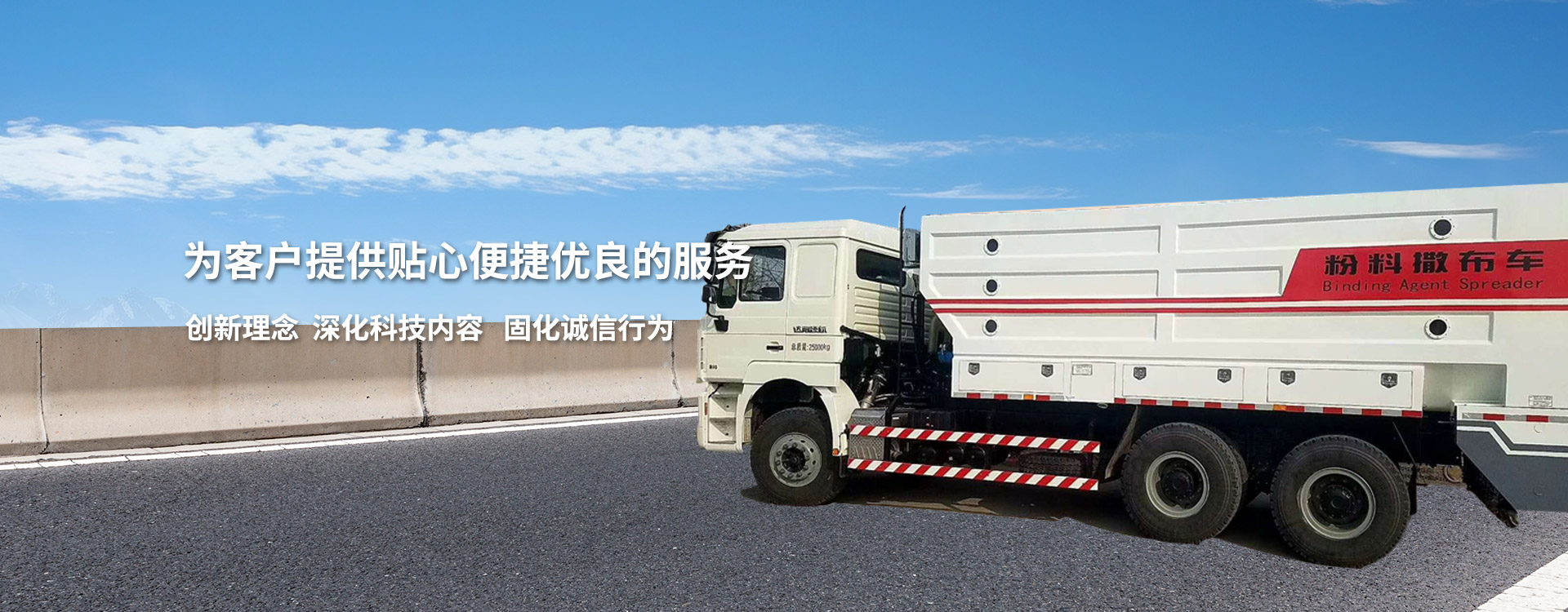
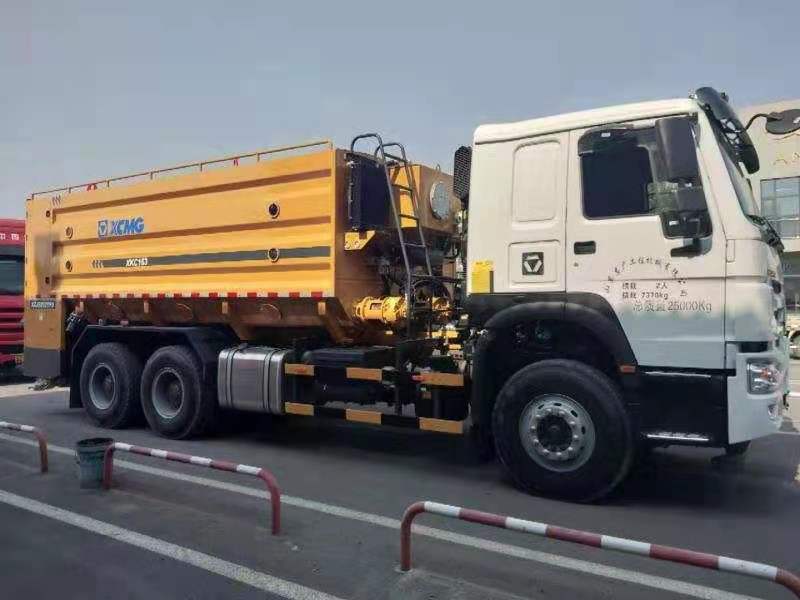
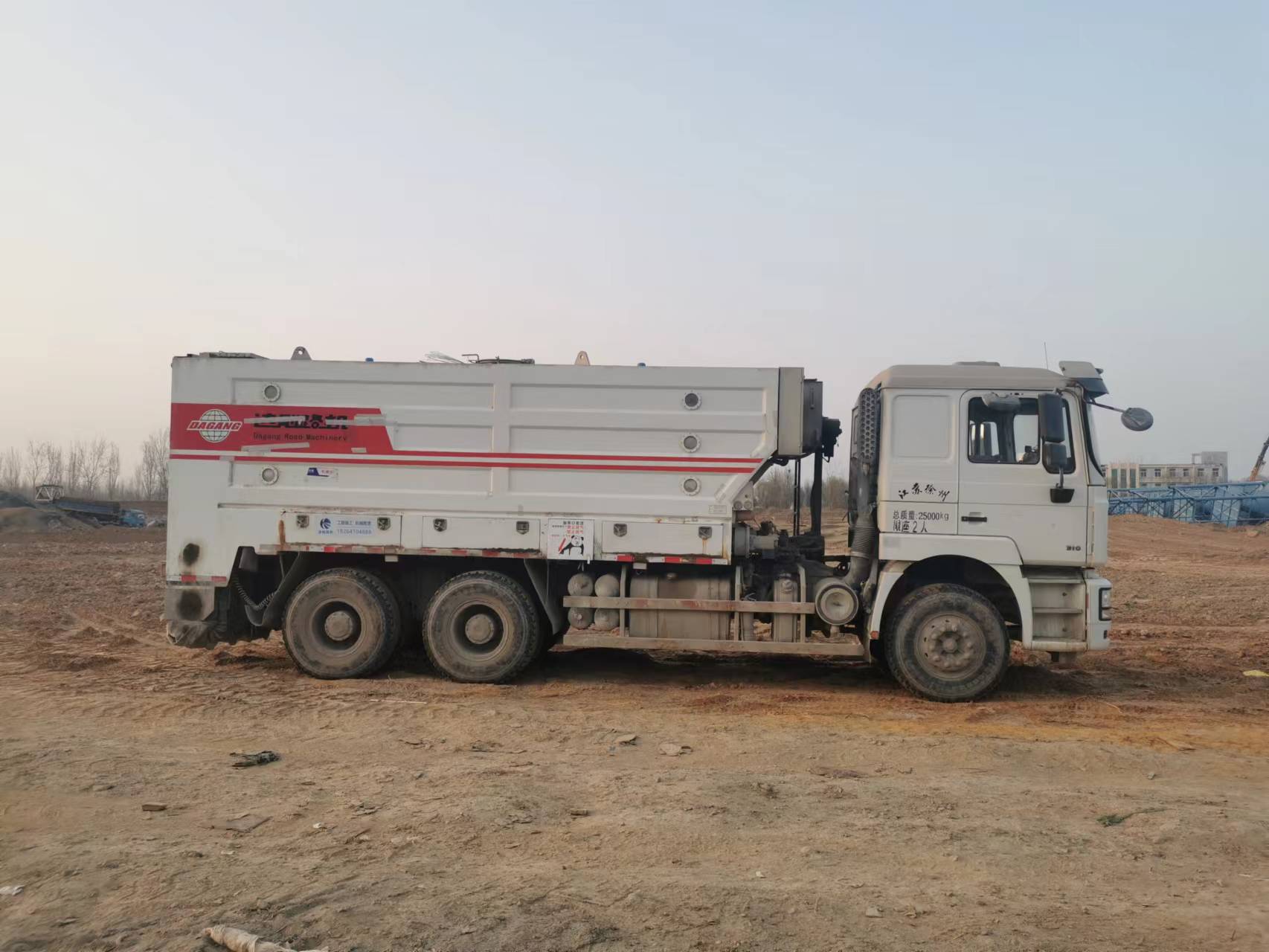
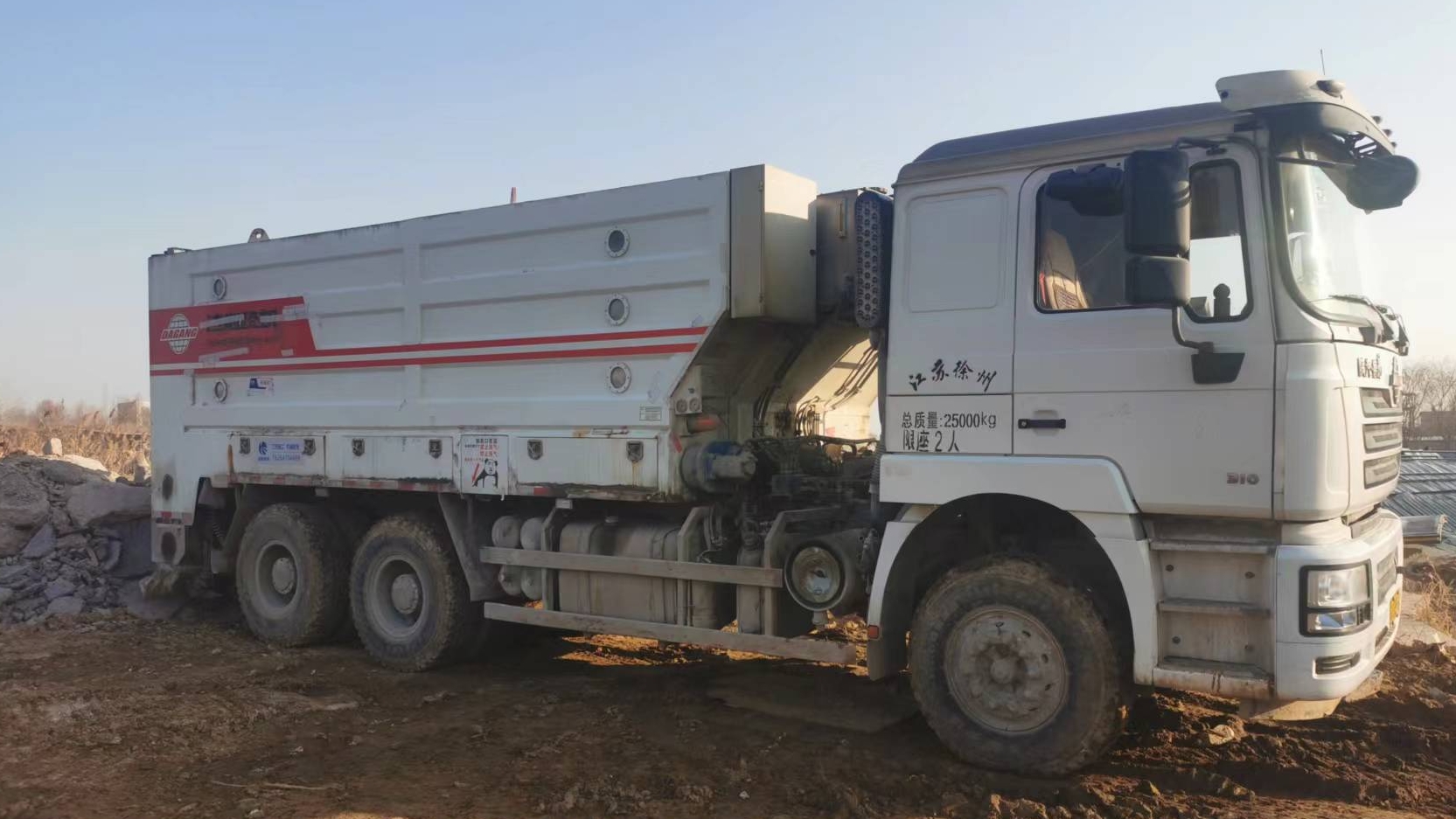
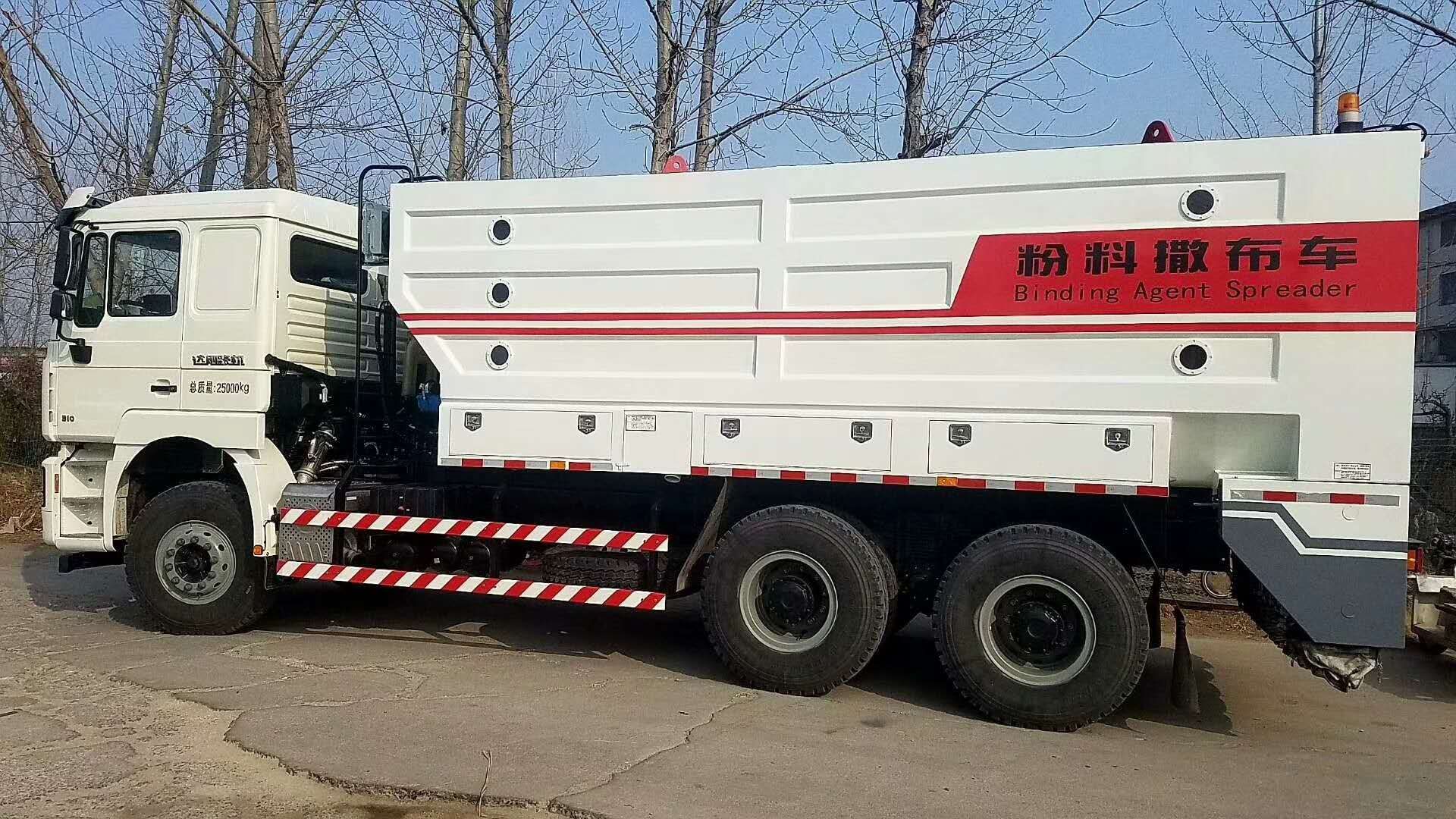
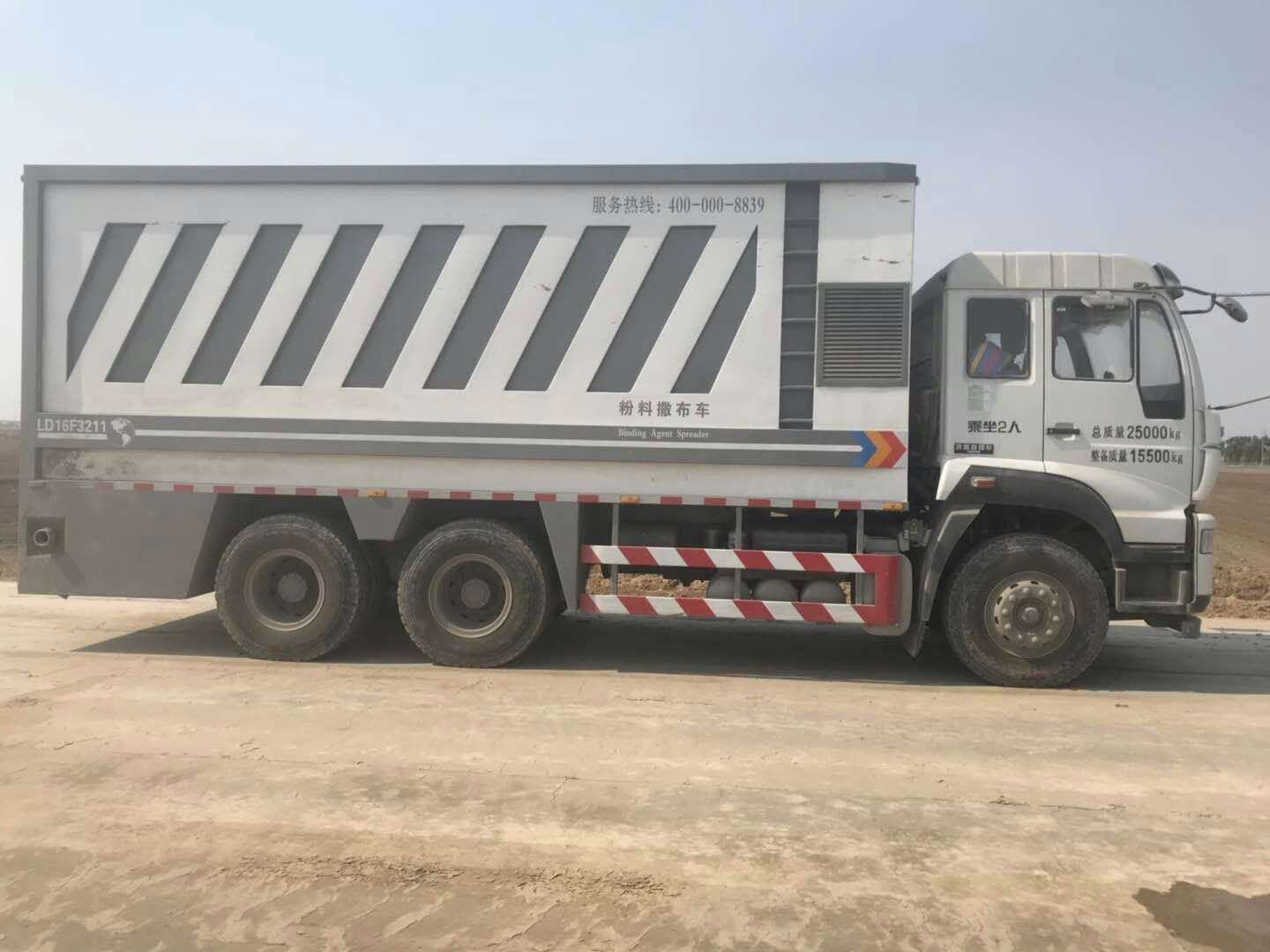
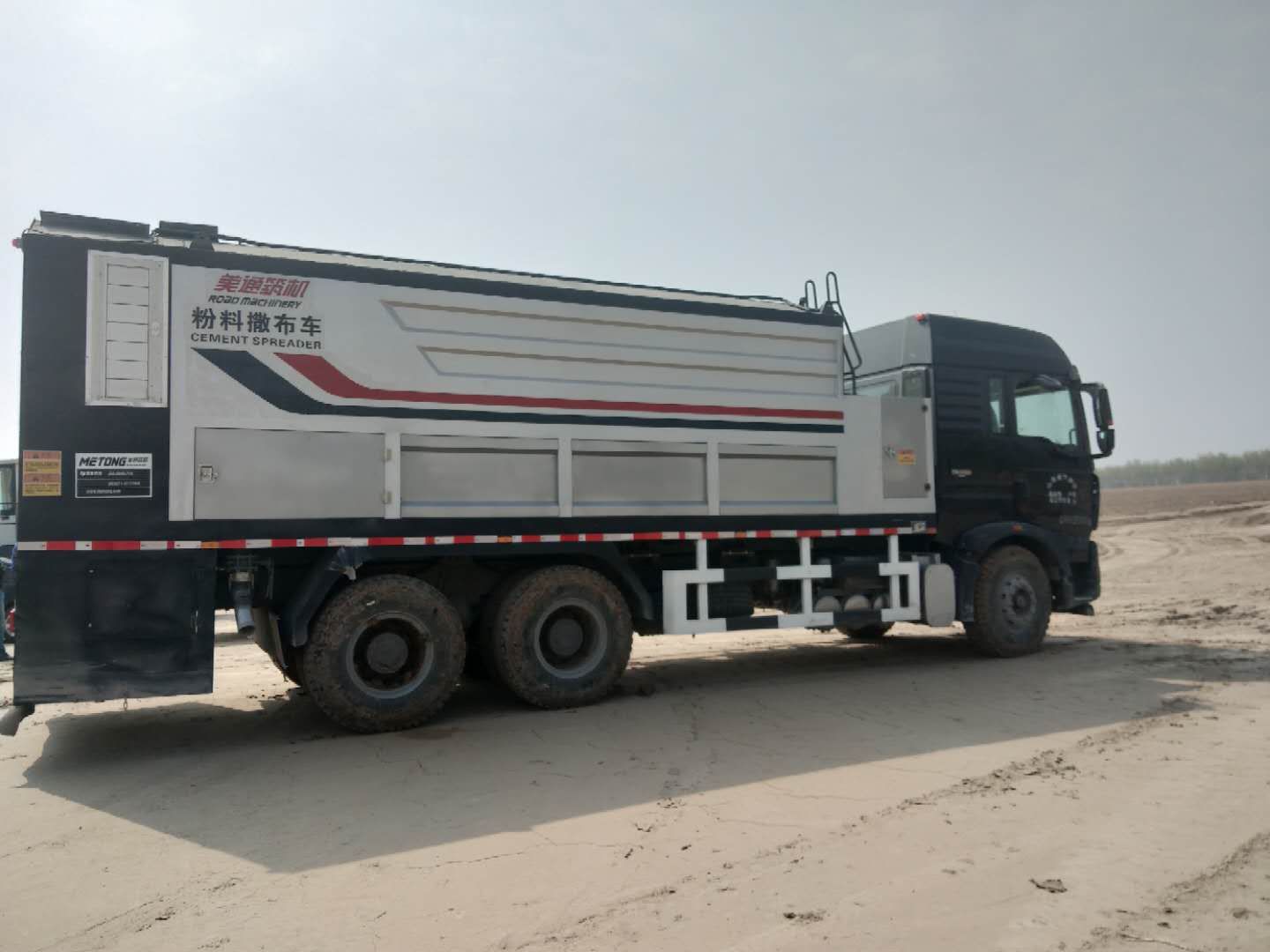
水泥撒布车系列产品拥有独立的3路或5路粉料撒布分配系统,每套系统可独立工作。撒铺宽度范围0.8~2.5米,以0.8米为单位任意调节,每套系统每平方米1-40公斤之间任意调节,解决了施工粉料重复覆盖带来的浪费。
The cement spreader series products have independent 3-way or 5-way powder spreading distribution systems, and each system can work independently. The spreading width range is 0.8-2.5 meters, which can be adjusted arbitrarily in units of 0.8 meters. Each system can adjust between 1-40 kilograms per square meter, solving the waste caused by repeated coverage of construction powder.
操作便捷,以车载控制器为核心运算单元,通过驾驶仓中的液晶显示屏设置撒布车量,操作人员只需输入撒铺的重量与栾杜,系统会自动计算相关参数进行撒铺工作。
Easy to operate, with the onboard controller as the core computing unit, the amount of spreading vehicle is set through the LCD display screen in the driver's cabin. The operator only needs to input the spreading weight and weight, and the system will automatically calculate the relevant parameters for spreading work.
下面,小编带大家了解撒布车控制页面的使用情况。
Next, the editor will take you to understand the usage of the control page for the spreader.
1
one
参数项目选定:
Parameter item selection:
在“主页”界面下,当按下“撒布”按钮,进入“撒布控制”界面,如下图一所示;旋转右上角“旋转按钮”选择需要调整的参数项目,选中的项目用“矩形框”圈出,如下图二所示;下按用于确认需要调整的参数项目。
In the "Home" interface, when the "Spread" button is pressed, enter the "Spread Control" interface, as shown in Figure 1 below; Rotate the "Rotate Button" in the upper right corner to select the parameter item that needs to be adjusted. Circle the selected item with a "Rectangular Box" as shown in Figure 2; Press to confirm the parameter items that need to be adjusted.
2
two
撒布量数值设定:
Distribution quantity value setting:
选定“撒布量设定”参数项目,旋转右上角“旋转按钮”选择需要修改的数值的位置,按下旋钮确定,此时该数值消隐显示,如下图三所示;左旋“旋转按钮”变更数值大小(备注:左旋数值从0-9循环变化),下按旋钮确定。按照上述操作步骤,可以变更数据框中任意位置的数值,无论怎么调节,一定要保留中间位置的小数点;数值调好后,按下保存键保存,可先返回主页,再次返回到撒布量数值设定页面确认,以避免出现保存不上的情况出现。
Select the "Spread Quantity Setting" parameter item, rotate the "Rotate Button" in the upper right corner to select the position of the value that needs to be modified, press the knob to confirm, and the value will be hidden and displayed, as shown in Figure 3 below; Rotate the left rotation button to change the numerical value (note: the left rotation value changes cyclically from 0-9), press the knob down to confirm. According to the above steps, you can change the value at any position in the data box. No matter how you adjust it, be sure to keep the decimal point in the middle position; After adjusting the values, press the save button to save. You can first return to the homepage and then return to the spreading amount value setting page to confirm, in order to avoid situations where the values cannot be saved.
3
three
材料密度数值设定:
Material density numerical setting:
选定“材料密度”参数项目,旋转右上角“旋转按钮”选择需要修改的数值的位置,下按旋钮确定,此时该数值消隐显示,如下图四所示;左旋“旋转按钮”变更数值大小(备注:左旋数值从0-110循环变化),按下旋钮确定。按照上述操作步骤,可以变更数据框中任意位置的数值。
Select the "Material Density" parameter item, rotate the "Rotate Button" in the upper right corner to select the position of the value to be modified, press the knob down to confirm, and the value will be displayed in a hidden state, as shown in Figure 4 below; Rotate the left rotation button to change the numerical value (note: the left rotation value changes cyclically from 0-110), press the knob to confirm. By following the above steps, you can change the value at any position in the data box.
材料密度的调整会影响到称重报警,装料时应根据实际物料比重情况进行装载物料,严禁超负荷装载物料。
The adjustment of material density will affect the weighing alarm. When loading, the material should be loaded according to the actual proportion of the material, and overloading is strictly prohibited.
以SLD390车型为例,如材料密度在“110”的状态下车辆重量报警数值为18T,将“110”调节到“120”,此时的重量报警数值为19.6T(大约值,以实际为准);将“110”调节到“90”,此时的重量报警数值为14.8T(大约值,以实际为准)。
Taking the SLD390 model as an example, if the material density is at "110" and the vehicle weight alarm value is 18T, adjusting "110" to "120" will result in a weight alarm value of 19.6T (approximately, subject to actual conditions); Adjust "110" to "90", and the weight alarm value at this time is 14.8T (approximately, subject to actual value).
需要非常注意的一点是,如材料密度数值调节到“100”以下,非常前位数值应为“0”,以材料密度:“90”为例,应调节为“090”。
It should be noted that if the material density value is adjusted to below "100", the leading value should be "0". Taking the material density of "90" as an example, it should be adjusted to "090".
本文由 水泥撒布车出租 友情奉献.更多有关的知识请点击 https://www.sddhfjx.com/ 真诚的态度.为您提供为多维度的服务.更多有关的知识我们将会陆续向大家奉献.敬请期待.
This article is a friendly contribution from a cement spreader rental For more related knowledge, please click https://www.sddhfjx.com/ Sincere attitude To provide you with comprehensive services We will gradually contribute more relevant knowledge to everyone Coming soon.



 公司地址:济南市槐荫区经一路273号群盛华城2号楼1-404
 公司名称:山东途畅路桥工程有限公司
  备案号:
备案号: